How To Join Prosper365
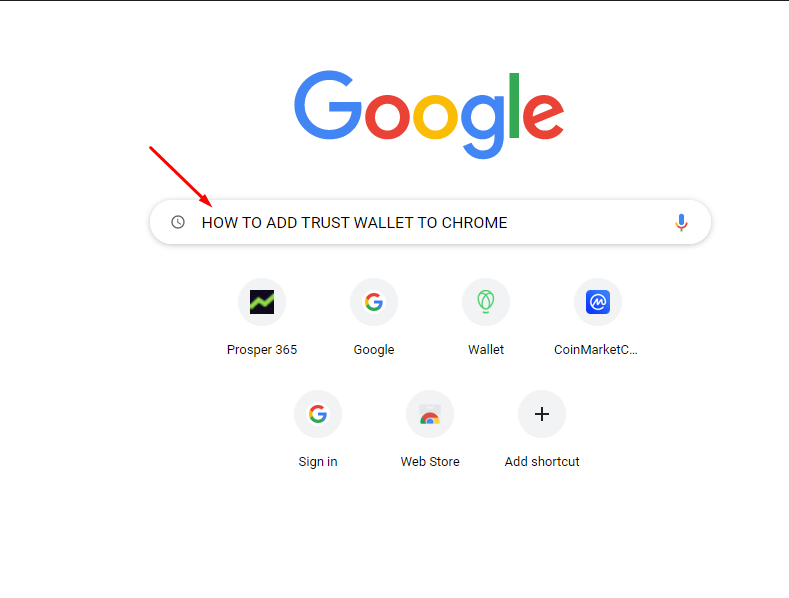
1. The first thing you need to do in order to join is set up either a metamask or trust wallet on your phone or computer. For this demonstration I will be using a computer and creating a trust wallet. To get started, open up Google and type in how to add Trust Wallet to Chrome. If you prefer to use Brave browser or Microsoft Edge, then type in your browser of choice.
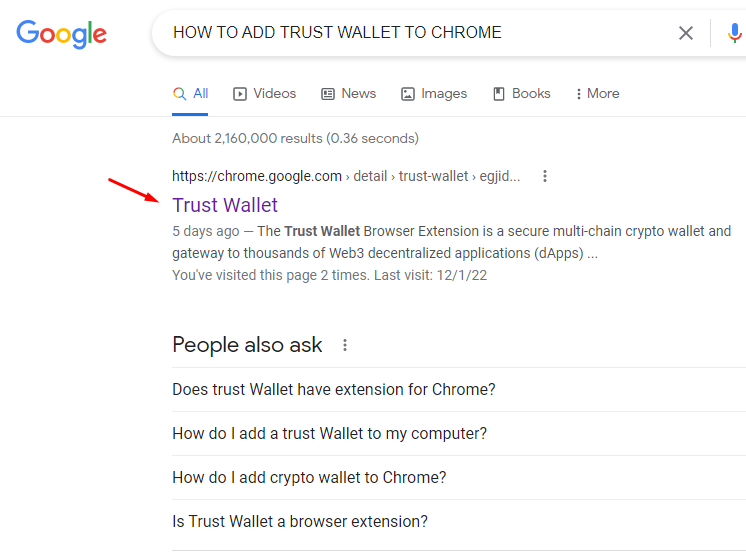
2. When you click search, you should see a link that will take you to the chrome web store. Go ahead and click on that link.
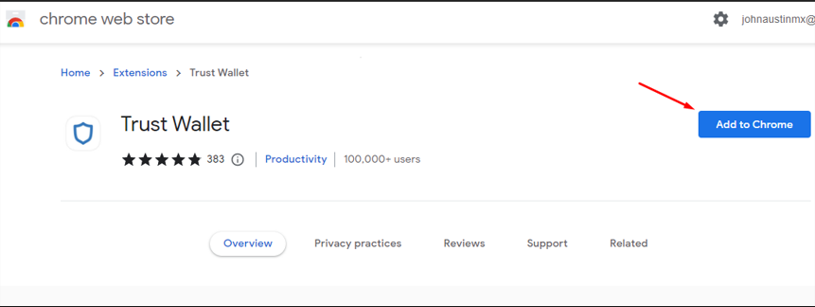
3. At the Chrome web store, click add to chrome.
4. That will give you a popup asking you to confirm. Go ahead and click add extension. After which you will get a confirmation saying Trust wallet has been added.
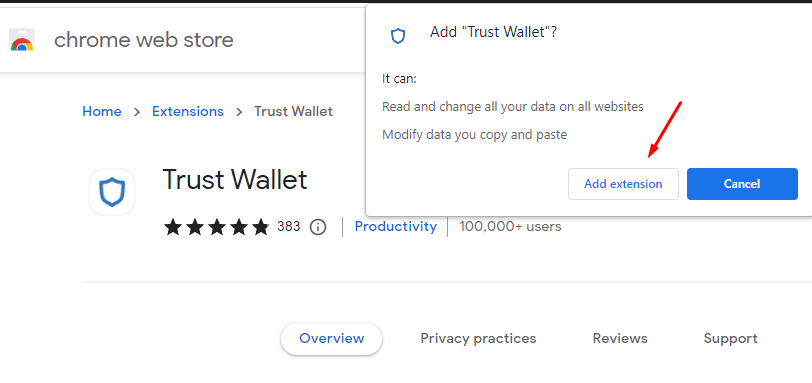
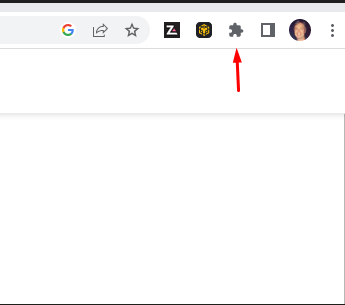
5. At the top right of your screen, should see an icon that has an odd shape.
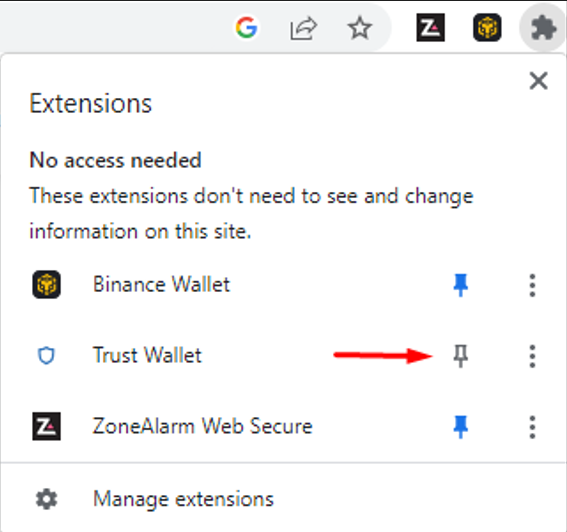
6. When you click on that icon, you will see trust wallet along with any other extensions that you have added to chrome and to the right of trust wallet, you will see a little white pin.
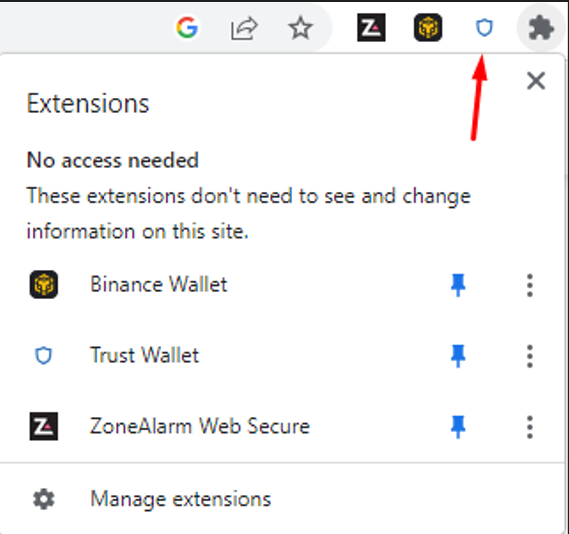
7. Click the white pin to turn it blue, which will pin the trust wallet icon to your browser. Now go ahead and click the trust wallet icon.
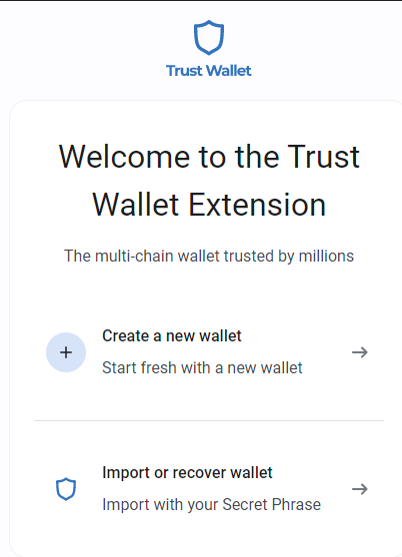
8. Now you will have a choice to create a new wallet or import an existing wallet.
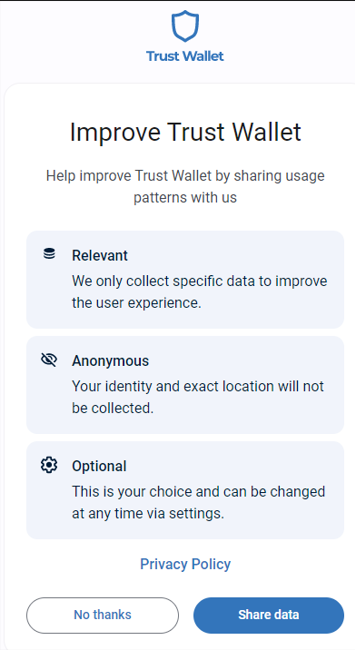
9. Next you will be asked if you want to share your identity. I clicked no thanks.
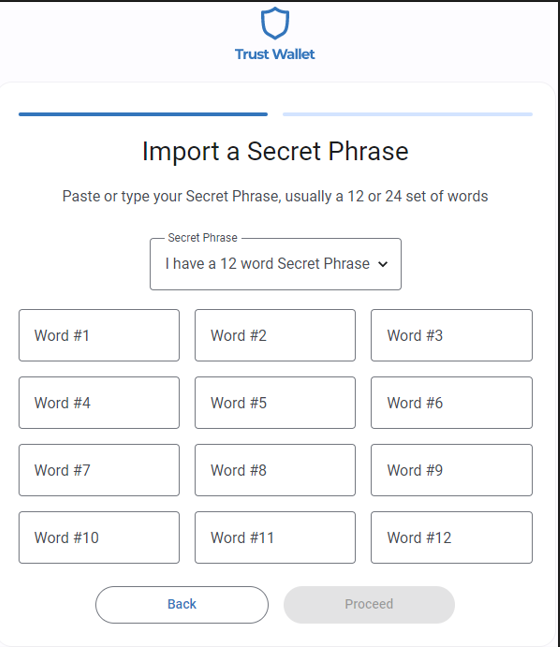
10. In this example, I will be recovering a wallet that was deleted. In order to do that I will type in 12 secret words that I have written down and saved in case I ever lose my wallet. If you are creating a new wallet, you will be given a new secret phrase. Be sure to write them down in correct order and store them in a safe place. It is highly recommended that you have two or more copies stored in different locations in case of fire or some other disaster, because if you lose your device and your secret phrase, you will never be able to recover your wallet and your money. Don’t store them on your computer or phone as they can be hacked and if anyone gets your secret phrase they can steal your money. However, you choose to keep your secret phrase safe, you should have multiple copies stored in different locations so you always have a backup.
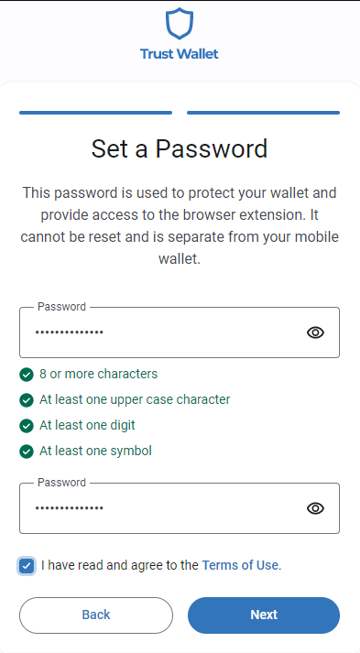
11. Next, you need to create a password. Just follow the instructions and then put a checkmark in the box.
12. Now you have created your trust wallet. You have the option to set trust wallet as your default. That is what I did.
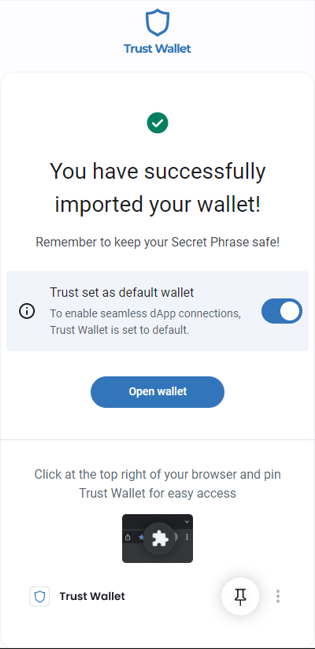
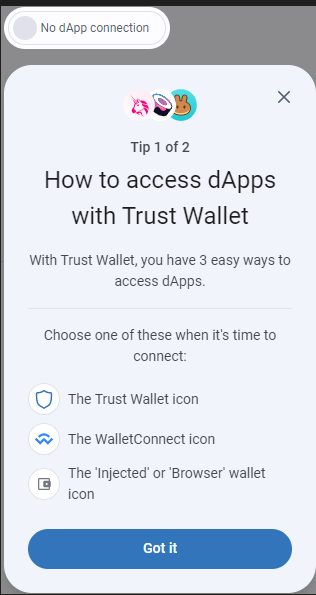
13. Now you can open your wallet. I don’t yet understand dApps, so I just clicked Got it and then click that you are ready to use your wallet.
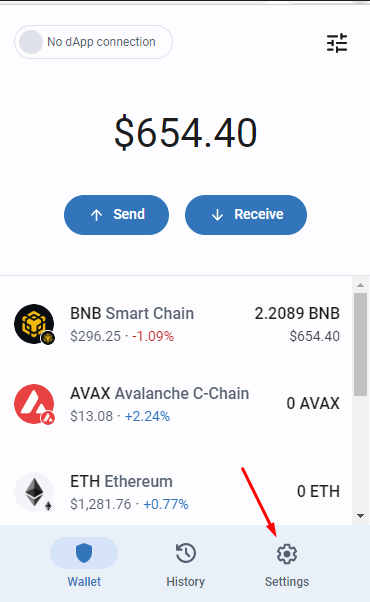
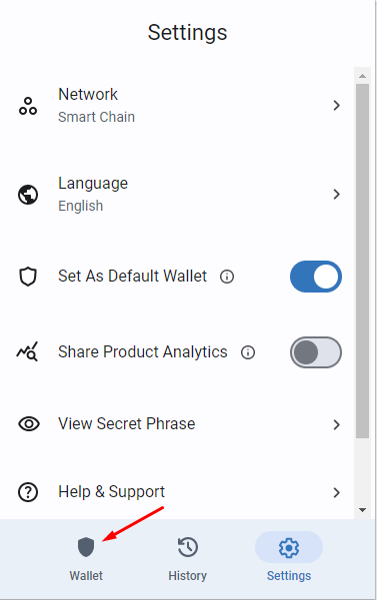
14. With your wallet open, go to the bottom and click on settings.
15. Then go to the top and click on Ethereum, which will open another dropdown.
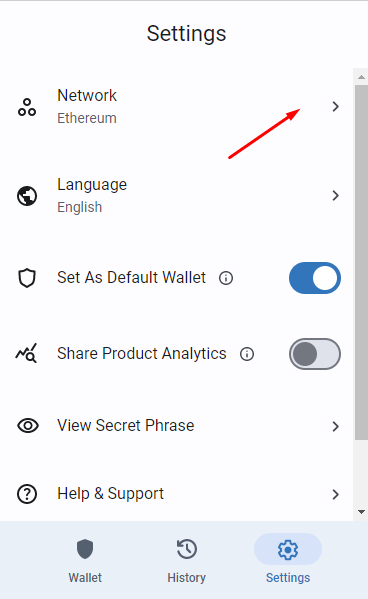
16. Then click on Smart Chain to switch from Ethereum to BNB Smart chain.
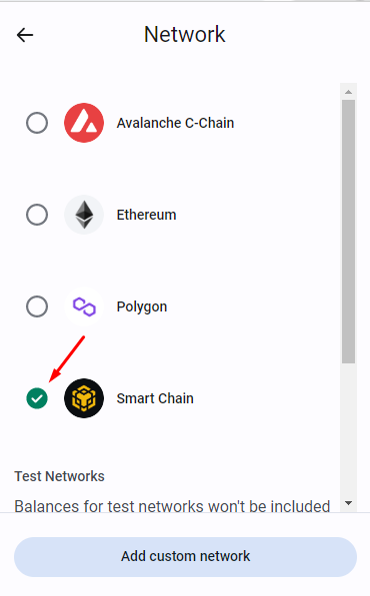
17. Next, click on the trust wallet icon
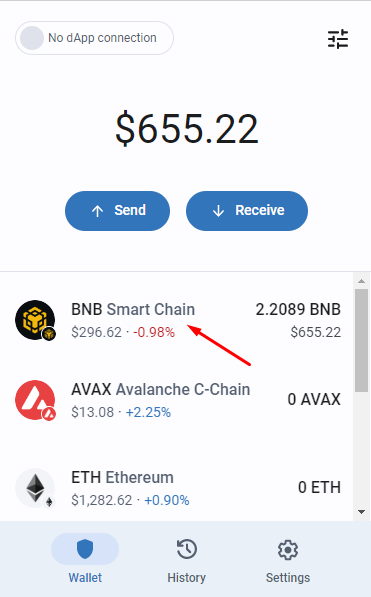
18. Then click on BNB smart chain
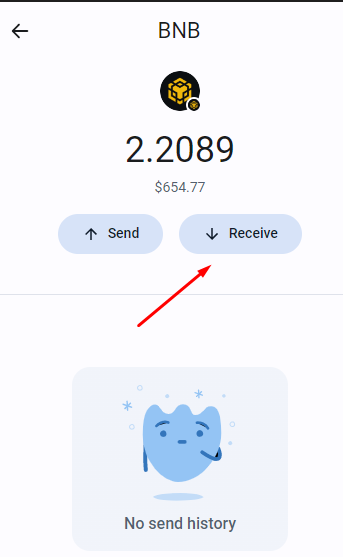
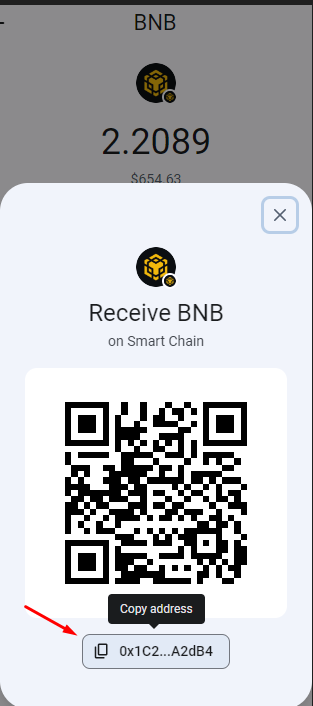
19. Next, click on the receive button.
20. What you will see is a qr code. If you send a picture of the qr code to someone, they can send money directly to your wallet from their phone. You can also put your mouse over the address below and click to copy. You will want to go here and copy your address when you buy BNB so they will know where to send it.
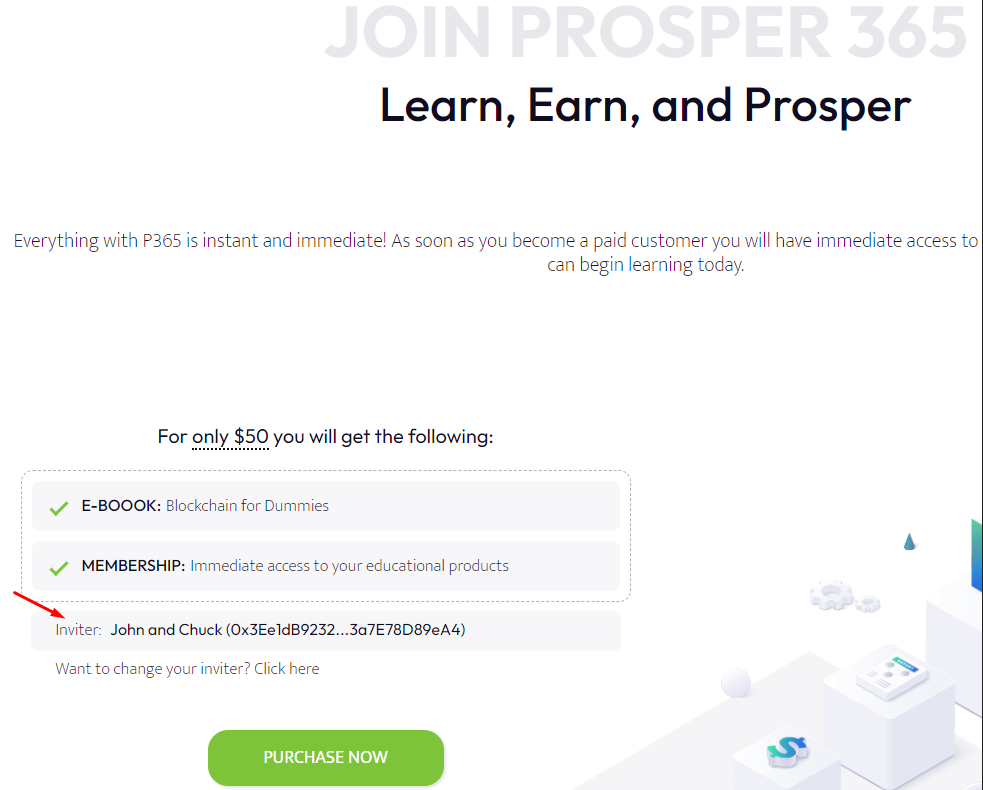
21. Next, you want to click on your sponsor’s link and go to their website. Then go to the upper right hand corner and click join now.

22. Check the name of your sponsor to make sure it is correct. Then click Purchase Now.
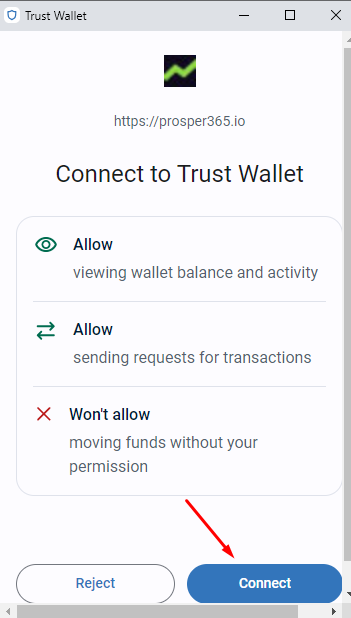
23. You should get a popup asking you to allow your trust wallet to communicate with the prosper 365 website. Go ahead and click connect.
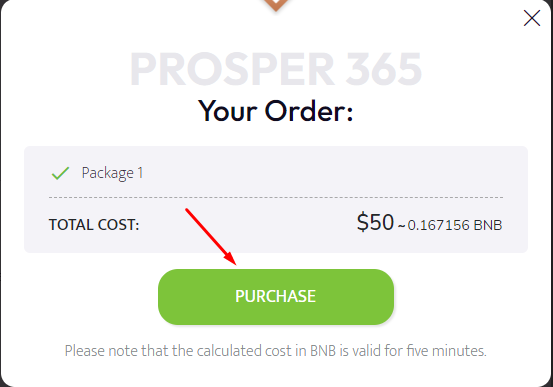
24. If you have BNB already in your wallet, then you will see a purchase button to complete your order.
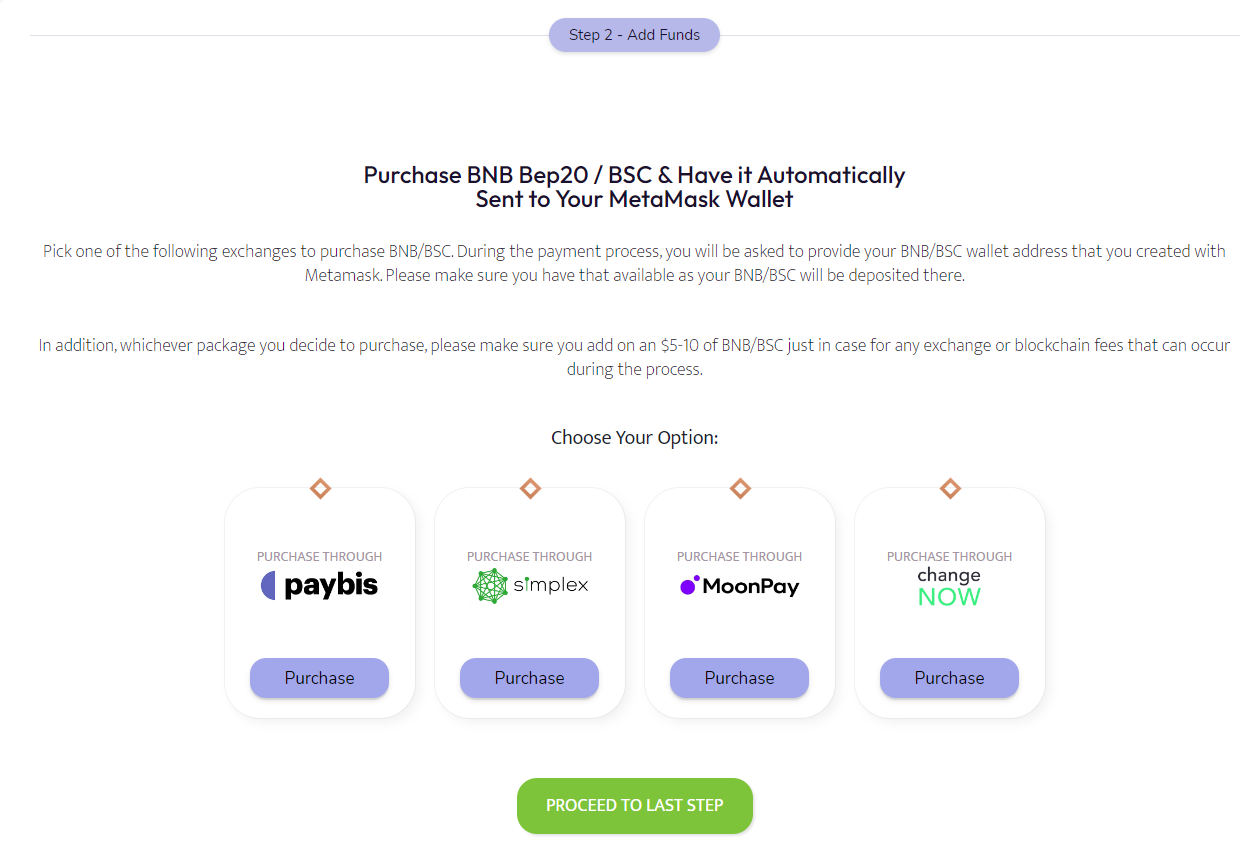
25. If not, you should be directed to a page where you will see four exchanges from which you can purchase BNB currency. Make sure you are purchasing BNB Bep20. Note: Purchase an extra $10 worth of BNB because merchant service providers charge a bigger percentage when buying cryptocurrency as compared to consumer goods.
26. Once you complete your enrollment, you will get a welcome aboard message. Here you will get you Login link and at the lower right of this screen, click here to get your referral link.
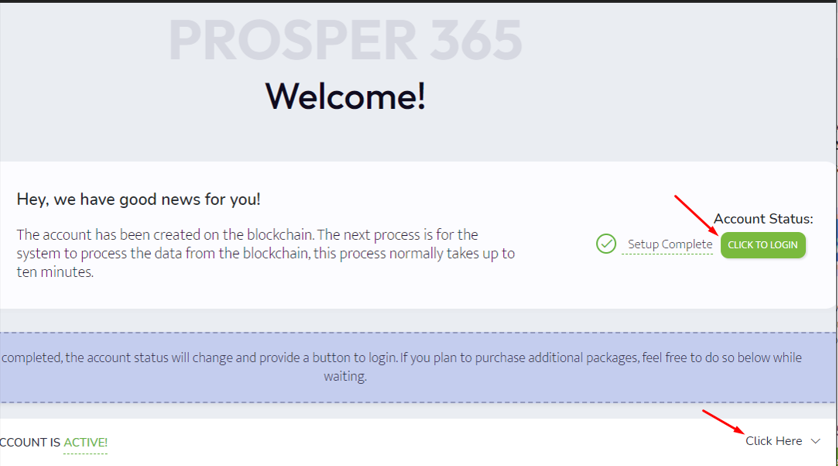
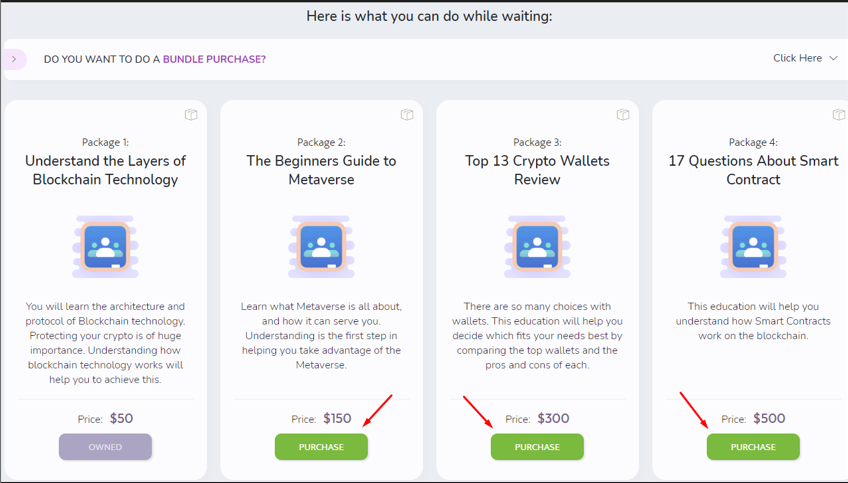
27. Also, make note that you can bundle packages together or purchase them individually.